
Read our Blog post about making Animated Gifs!

To create an Animated gif, you must be working on a digital-format design (a design measured in pixels - (PX), not MM or Inches.)
If your design is a print-format design, you can use the resize tool to resize it to a digital format.
The design must also have multiple pages. Each frame of the Gif generated will be a different page of the design. If you create a 3 page design, then the Gif will cycle through 3 frames.
- Create your design. Working on a digital-format design, create a multi-page design with elements that are moved or adjusted on each page.
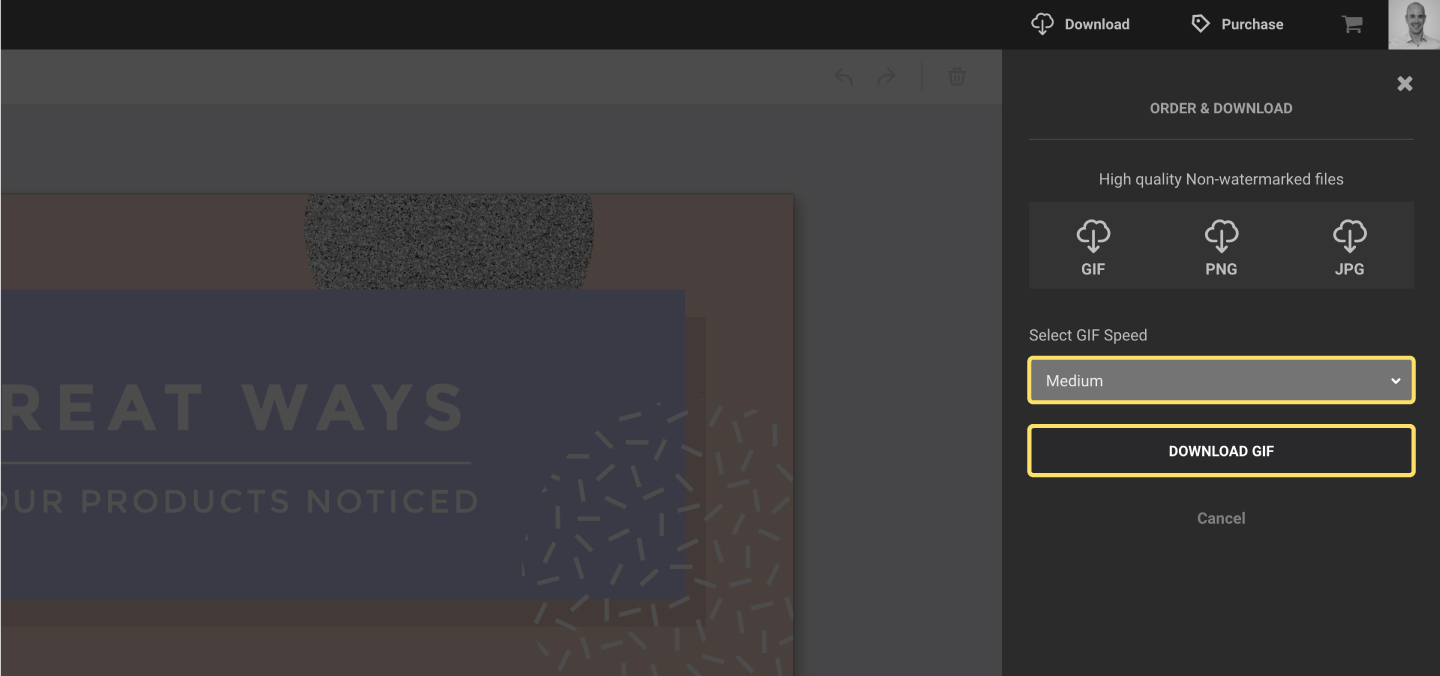
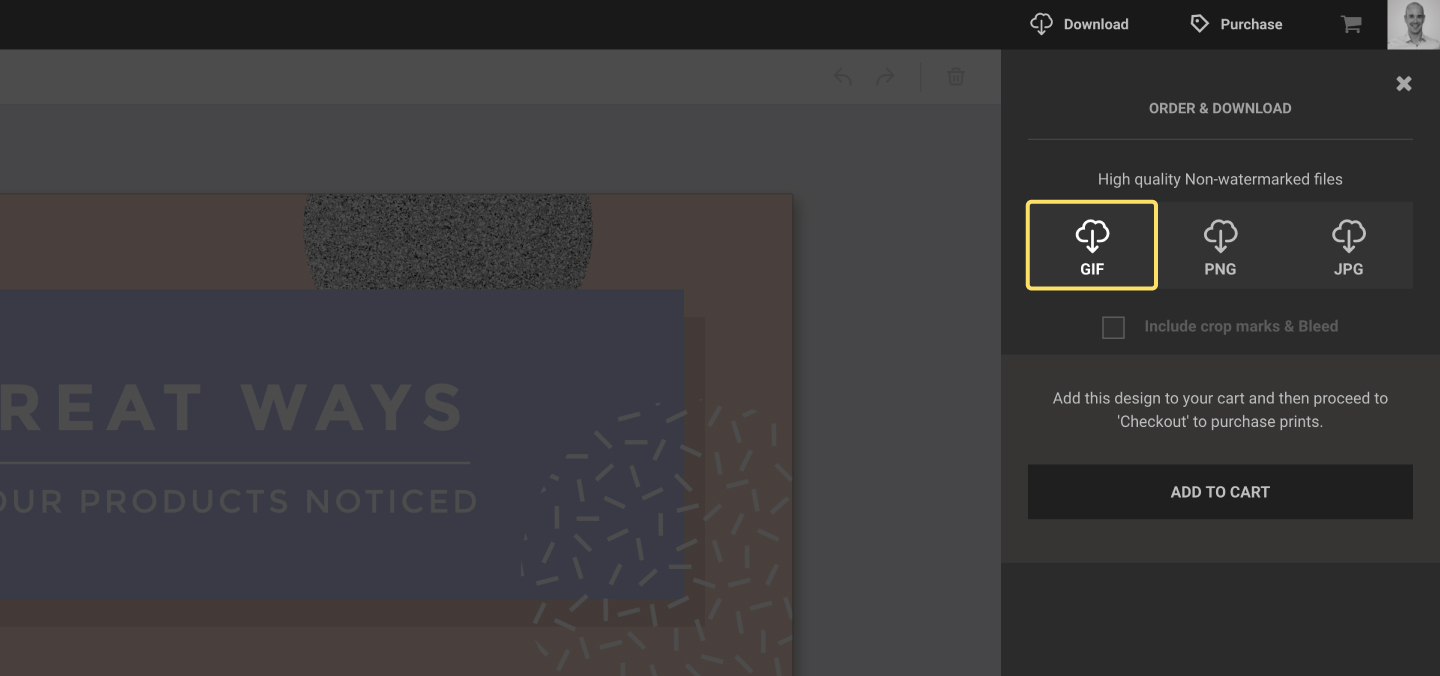
- Open the Download panel and select “GIF”
- Select a speed option, then click DOWNLOAD.
Gifs can be download in multiple speeds - select the speed appropriate for your design.